Automated 2D drawing Verification & Validation with AI
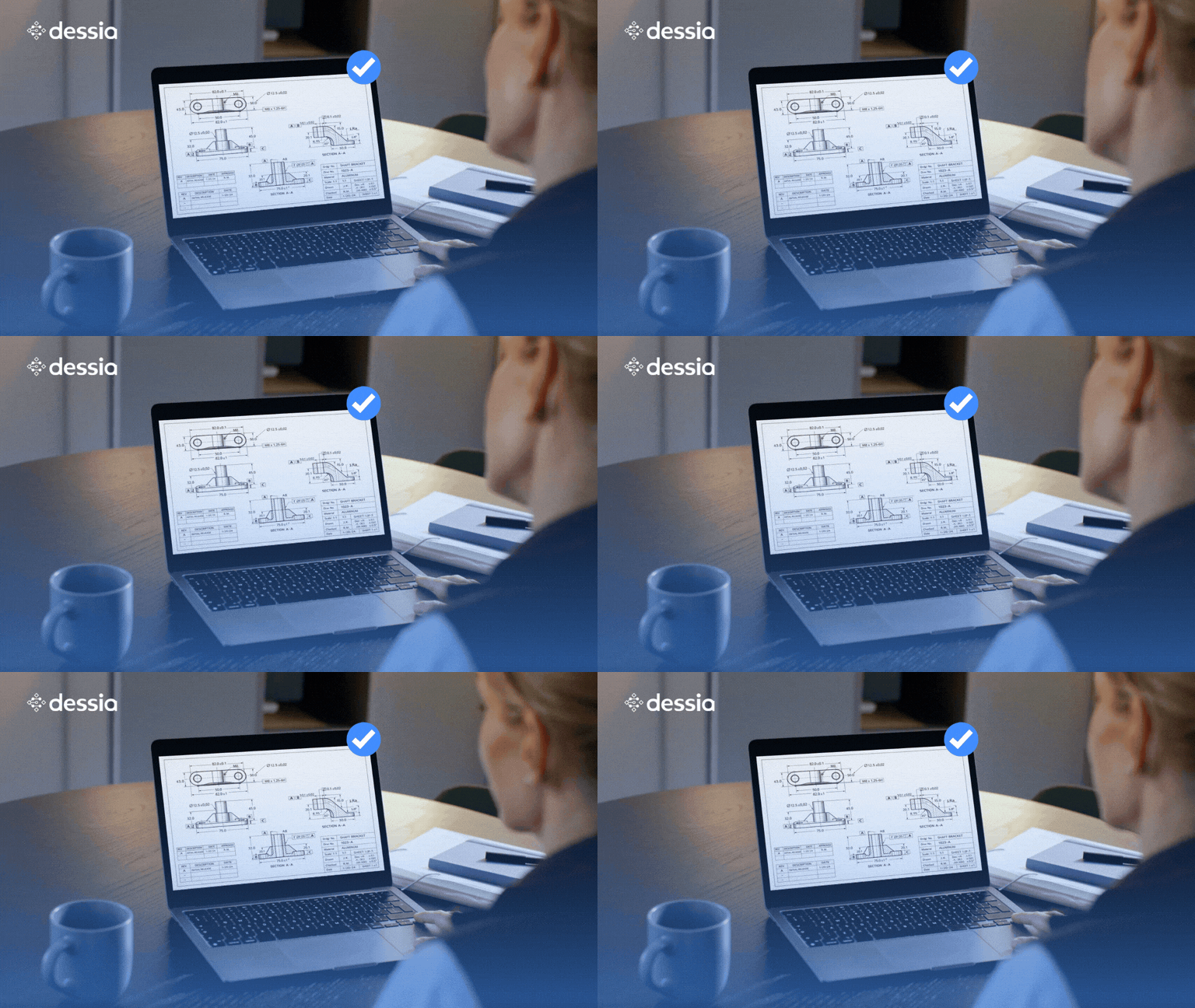
2D design verification is challenging not because drawings are missing, but because consistency across drawings, BOMs, grids, and metadata is hard to maintain at scale. This article explains why manual checks break down—and how automation fixes it.
Why design verification remains challenging in 2D workflows?
In many mechanical and systems engineering organizations, 2D technical drawings remain a contractual and operational reference for manufacturing, integration, and quality. Design completeness in this context means more than “the drawing exists.” It means the drawing, the layout grid, the BOM/checklist, and the title block are all consistent, exhaustive, and aligned.
In practice, teams must continuously reconcile multiple sources of truth:
2D CAD drawings with tags, annotations, and multi-view sheets
Layout grids that encode placement zones (row/column references)
BOMs and checklists exported to PDF/Excel and often partially unstructured
Title block fields that carry critical metadata (revision, project codes, approvals, part identifiers)
When these elements drift—even slightly—teams risk documentation errors that cascade into rework, compliance issues, and late-stage changes.
The typical manual process and its constraints
Most organizations rely on manual verification to ensure that what is declared in a BOM/checklist actually appears in the drawing, in the right place, on the correct sheet, with the correct metadata.
What engineers end up doing manually
Locate each tag in the drawing and confirm it exists
Interpret its grid location and check it matches the BOM reference
Validate quantities and tag identifiers across documents
Verify title block completeness and mandatory fields on each sheet
Repeat across projects, revisions, and large drawing sets
Why this becomes a bottleneck
High volume of drawings across many projects and variants
Inconsistent data sources, including native CAD + exported BOMs
Compressed development cycles, leaving little time for exhaustive QA
Human error risk, especially with large, repetitive checklists
This is precisely the type of task where automation delivers immediate leverage: high repetition, high consequence, and clear rule logic.
What an automated 2D drawing completeness check should validate
A robust 2D checker typically covers four validation families:
Tag-to-drawing presence
Every BOM tag exists somewhere on the drawing set
No missing, duplicated, or inconsistent tag identifiers
Tag-to-grid alignment
Each tag’s coordinates map to the correct grid cell
BOM grid references match the actual drawing location
BOM-to-drawing consistency
Quantities, references, and declared metadata align
Sheet-level and view-level context is respected
Title block integrity
Mandatory fields are present and populated
Revision and identification fields are consistent across sheets
Geometric dimensioning & tolerancing compliance
Tolerance values conform to engineering standards with standardized precision formatting
Datum reference frames are properly established throughout the drawing set
Dimension chain compliance
Chained dimensions sum correctly to overall dimensions
No missing intermediate dimensions in a chain
Dessia’s approach: Automating checks with the 2D Checker AI-library
Dessia’s AI-powered 2D Checker library automates the extraction, structuring, and validation of engineering information from 2D drawings and BOMs. The goal is simple: turn unstructured drawing data into structured, checkable objects, then run repeatable rules across the full dataset.
Core capability
Extract tags, coordinates, view context, and metadata from 2D drawings
Recognize grids and compute layout mapping (cells and boundaries)
Ingest BOM/checklist data from PDF or Excel and normalize it
Validate consistency using rules-based checks and generate clear reports
How it works in practice (end-to-end workflow)
1) Tag extraction from 2D technical drawings
The checker reads native 2D drawing files from major CAD environments and detects content across sheets and subviews.
It extracts, for each tag and annotation:
Tag identifiers (labels, callouts, annotations, relevant dimensions)
This transforms verification from “manual proof-reading” to “exception handling.”
Measured impact in engineering environments
By integrating Dessia’s 2D drawing checker into the design process, teams can move from periodic, manual audits to continuous, rules-based verification—without scaling headcount.
Typical impact observed:
Systematic, exhaustive verification, ensuring consistently high drawing quality
Up to 90% shorter verification cycles, enabling faster releases and fewer late surprises
Lower risk of downstream errors, including rework, compliance issues, and production delays
Better scalability as drawing volume and complexity increase across programs
Most importantly, design engineers spend less time “chasing inconsistencies” and more time on design intent and engineering decisions.
Where this applies: industries and drawing-intensive programs
Automated drawing completeness checks are especially relevant in domains that produce large drawing sets under strict documentation constraints, including:
Automotive and mobility platforms
Aerospace systems and equipment
Energy and industrial infrastructure
Naval and defense programs
Industrial machinery and complex assemblies
Anywhere 2D drawings remain a formal reference, completeness checking becomes a repeatable performance lever.
FAQ
Can an automated 2D checker application be easily duplicated?
Yes, checkers are designed to be reusable. Once developed, a verification application can be adapted to other projects by simply changing certain parameters (business rules, input data formats, etc.). This allows teams to capitalize on development efforts and standardize best practices.
How long does it take to develop an automated 2D checker?
It depends on the complexity of the business rules to be implemented, but in general, a first functional checker can be developed within a few days. Development time is even shorter when starting from an existing base or using pre-built generic rules.
What is the development cost of an automated checker?
The cost depends on the functional scope, the desired level of automation, and the number of rules to be implemented. However, thanks to the reusability of checkers, the investment is quickly recouped when applied across multiple projects or product families. Moreover, using checkers often helps reduce manual review time, errors, and production rework.
Can checkers be updated over time?
Yes. Checkers-fully python based-are fully editable and scalable. It’s easy to add or modify rules, change input or output formats, or integrate new business constraints based on field feedback or evolving internal standards.
What types of rules can be included in a 2D checker?
Rules can be geometric (distances between elements, alignment, overlap, orientation), functional (compliance with templates or restricted areas), or business-specific (adherence to internal standards or customer requirements). Checkers can also include conditional logic or criticality levels.
Where does the 2D Checker connect in the engineering workflow?
The 2D Checker connects at the verification stage. It reads 2D CAD drawings to extract callouts, grids, and title block data, then cross-checks this against BOMs/ rules checklists from Excel. Results are pushed back into PLM or reporting tools, embedding consistency checks directly in the design process.
Most industrial AI pilots fail to scale because they add AI on top of fragmented engineering data (CAD, PLM, requirements, BOMs, test reports) instead of connecting that data first. An Engineering Intelligence Layer turns disconnected engineering files into a connected knowledge graph, giving AI the context it needs to produce trustworthy, traceable engineering decisions—not just plausible-sounding text.
Your CAD models show what was designed. Your engineering rules explain why. Discover how Dessia's CAD-aware AI turns engineering rules into executable engineering knowledge — capturing your organization's expertise so AI can apply it automatically.
Most AI projects in engineering never leave the proof-of-concept stage — and it's not a technology problem. Discover the 6 steps that turn engineering knowledge, data, and expertise into real AI value: from spotting the right bottlenecks to building lasting engineering intelligence.